 Ticketo
5 days
Withdraw the money 5 days after each sale
Not just after the event is over. That way you can pay deposits, the band and purchases while ticket sales are running. With Billetto, ticket revenue is paid out 3-5 business days after the event.2

Ticketo for organizers
DKK 0 for setup and subscription. MobilePay, a QR scanner at the door, and you can withdraw the money 5 days after each sale.
Selling tickets right now
No fee per sign-up and no cap on the number. You get the same tools as with paid tickets.
400 sign-ups for an end-of-year ceremony: DKK 3,000 with Safeticket1, DKK 0 with Ticketo.
5 days
Not just after the event is over. That way you can pay deposits, the band and purchases while ticket sales are running. With Billetto, ticket revenue is paid out 3-5 business days after the event.2
A private event doesn't appear on the home page or on your organizer page, and we ask search engines not to show it.
Payments run through Stripe. You don't need a MobilePay agreement or a card terminal.





Nothing to install and no hardware. As many phones at the door as you like, and a ticket can't be used twice.

The add-ons are right below the tickets, where the guest is already buying. If they already have a ticket, they can add to their order afterward from the receipt.

You choose per add-on. At the entrance, the scanner shows the add-on when the ticket is scanned. With its own QR code, it is scanned separately, e.g. at the bar. Each item can only be handed out once.
The screenshots are from the system with sample data.
The guest pays a small fee on top of your price. You get your price paid out in full.
| What | Ticketo | Billetto |
|---|---|---|
| Fee on a DKK 100 ticket | DKK 7.23 | DKK 13.733 |
| When the money can be withdrawn | 5 days after each sale, even before the event | 3-5 business days after the event. Advance payment only with over 1,000 tickets a year2 |
| Free tickets | DKK 0 | “A platform fee may be charged even if the ticket is free”4 |
Same system, different needs. Here's what matters for your particular event.
Name, email and an organizer name. With Google, you skip the password and email confirmation. We don't ask for a payment card.
About 1 minute
Time, place, ticket types and prices, and the system builds the sales page. Share the link on Facebook, in an email or on your own website, and sales start from that moment.
5 to 15 minutes
The money is held by Stripe, not by us. Five days after each sale, you can withdraw it from the dashboard, even before the event has taken place. The first time, you complete Stripe's identity check with a CPR or CVR number.
5 to 10 minutes, once
DKK 0 for setup. No subscription. No commitment.
Create a free accountA Danish company that has sold tickets since December 2025. We're small, and that's the whole point: no sales department, no minimum revenue and no contract you have to get out of again. Payments are handled by Stripe, and we never see your guests' card details.
Five days after each individual sale, you can request a payout of the amount. You don't have to wait until after the event, and you can withdraw as you go. The transfer itself from Stripe to your bank takes up to 4 business days. The first time, you need to complete Stripe's identity check, which takes 5 to 10 minutes.
Yes. DKK 0 for setup, DKK 0 in subscription and no commitment. The revenue comes from the ticket fee of 2.79% plus DKK 2.99 plus VAT, which is added on top of the ticket price and paid by the guest. If the guest chooses MobilePay, it costs DKK 4.50 extra per order, and if you turn on Klarna, it costs 3.5% plus DKK 3.50 per order. You can choose to pay the fee yourself, and then it's deducted with VAT from your payout instead. Free tickets cost nothing.
DKK 0. There's no fee on free tickets, not for you and not for your guest, and there's no limit on how many you send out. You get the same features as with paid tickets, meaning QR codes, a scanner at the door, an attendee list and email to everyone signed up. For comparison, Safeticket charges DKK 6 plus VAT per free sign-up, paid by the organizer.
Yes. Set the event to be visible only to people with the link. It won't appear on the home page or on your organizer page, and we ask search engines not to show it. If you want to go further, the tickets can be locked with an access code or to specific email domains, e.g. the school's.
Yes, as add-ons. The guest puts them in the cart together with the ticket or adds them afterward from the receipt, and an add-on can also be sold entirely without a ticket, e.g. merch. An add-on can have sizes or colors, each with its own stock, and you choose whether it's handed out at the entrance when the ticket is scanned or with its own QR code, e.g. at the bar. The fee is 2.79% plus VAT of the add-on's price when the order also has a paid ticket. If the order has no paid ticket, DKK 2.99 plus VAT is added on top, once per order. Free add-ons cost nothing. Add-ons require the event to use the new event page design.
You can create an account and an event without a CVR number. For the payout itself, Stripe needs to be able to identify a recipient, and that can be either a private individual with a CPR number or an association with a CVR number. If you're unsure what fits your situation, write to us in advance, and we'll figure it out before you sell anything.
You mark the event as canceled in the dashboard, and all guests are automatically notified by email. You then refund the tickets from the guest list. If the amount has already been paid out to you, it has to be returned before the refund can go through. That's why it's a good idea to leave the money where it is until the event has taken place if there is any risk of cancellation. The terms are in the organizer terms.
No. The scanner is a page on ticketo.dk that you open in your phone's browser. Nothing to install, no hardware, and you can have as many people at the door as you like. It uses the phone's camera and requires an internet connection, so the system can reject a ticket that has already been used. The guest list can be downloaded as a file for Excel and printed as a backup, and we're working on a mobile app that can scan without an internet connection.
You, and the helpers you give access yourself. We don't sell data and don't use your guest list for our own marketing. How we handle the information is described in the privacy policy. If your school or board needs a data processing agreement, write to support, and we'll send it.
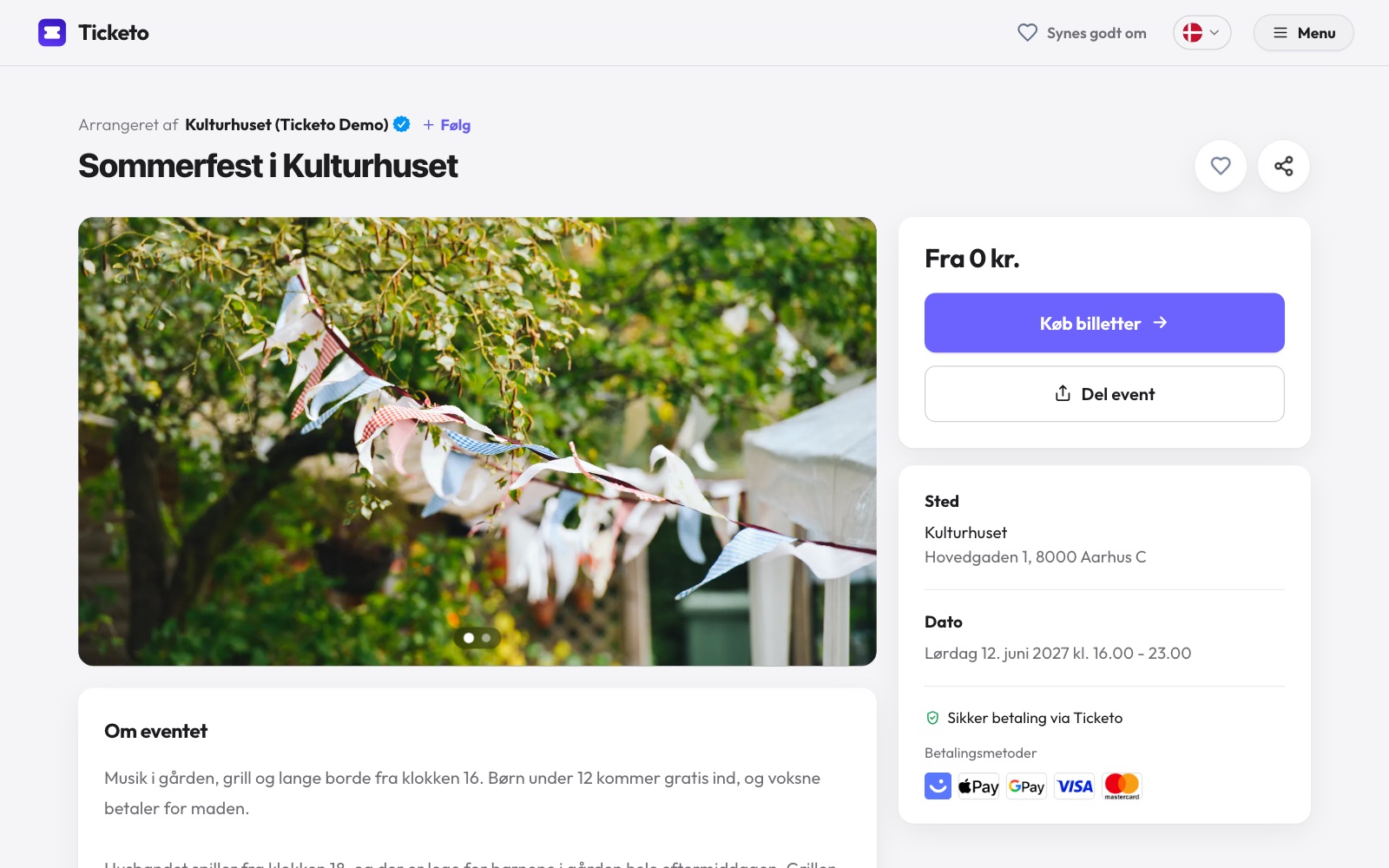
Yes. Create an account, build an event and set it to be visible only to people with the link. You can delete both the event and the account again. If you just want to see what it looks like for the guest first, open our example event page.
Yes. Write to support@ticketo.dk. There's no call center at the other end, but a small Danish company, and you'll get an answer from a person who knows the system. If you have an event on the weekend, write before Friday at 12:00, and we'll agree on how you can reach us on the day. Service disruptions are announced on system status.
It takes about a minute to create the account, and you can delete it again. There's no card and no commitment.
Create a free accountTicketo is a Danish ticketing system where you create your event yourself and start selling tickets right away. It is used for high school parties, concerts, talks and courses, association events and private events that are only shared with a link.
A ticketing system is also called a registration system, and at Ticketo it's the same tool. If you're holding a free event, registration costs DKK 0. If you charge for tickets, guests can pay with MobilePay or card. To see how we compare with other providers, compare the ticketing systems.